A preset is a named set of OpenType features. A paragraph style holds the whole look. A preset holds only a feature combination.
Where do presets come from?
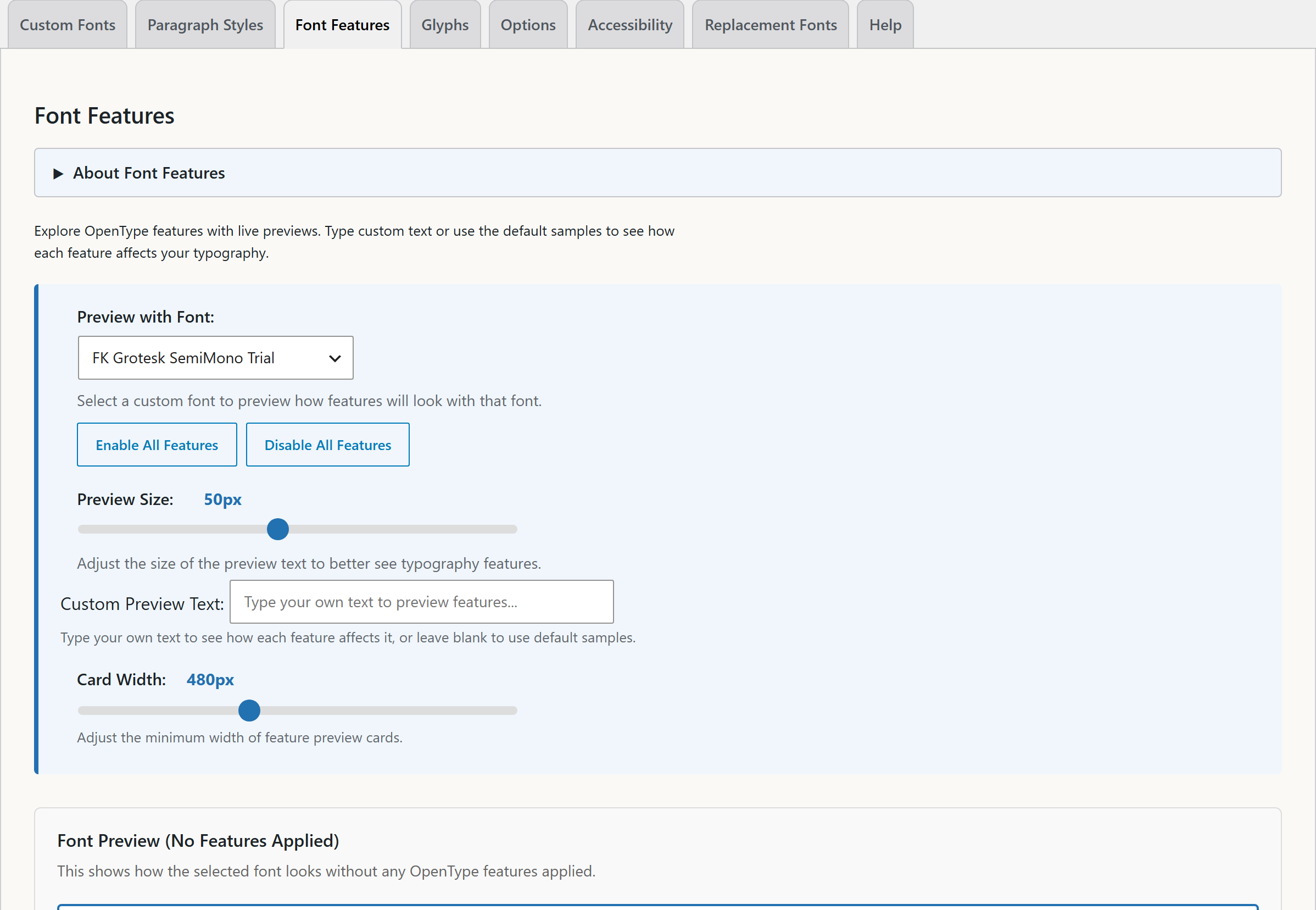
The plugin includes no presets, and it has no screen to make them. A developer can add presets with the typost_presets filter or the presets REST route. The inline panel then shows them under Quick Presets. The Font Features tab lists them under Your Saved Presets.
The Quick Presets section is only in the inline panel. The Typography Stylist block does not show presets.
How does a developer add a preset?
Use the typost_presets filter:
add_filter( 'typost_presets', function ( $presets ) {
	$presets[] = array(
		'id'       => 'my-preset',
		'name'     => 'Custom Preset',
		'features' => array( 'liga', 'dlig', 'ss01' ),
	);

	return $presets;
} );
Each preset needs an id, a name, and a features array. It can also have a description and a fontFamily. See PHP Hooks and the REST API reference.
What happens when I apply a preset?
When you apply a preset, its features replace the features on the selection. If the preset names a font, the preset also sets that font.
Preset or paragraph style?
Use a preset when you want the same features with different fonts and sizes, for example a house style for figures.
Use a paragraph style when you want the same appearance: font, size, spacing, and features together.
Stylistic sets are different in each font. So a preset that turns on ss01 gives a different result in each font. This is how ss01 works. It is not a fault in the preset.